

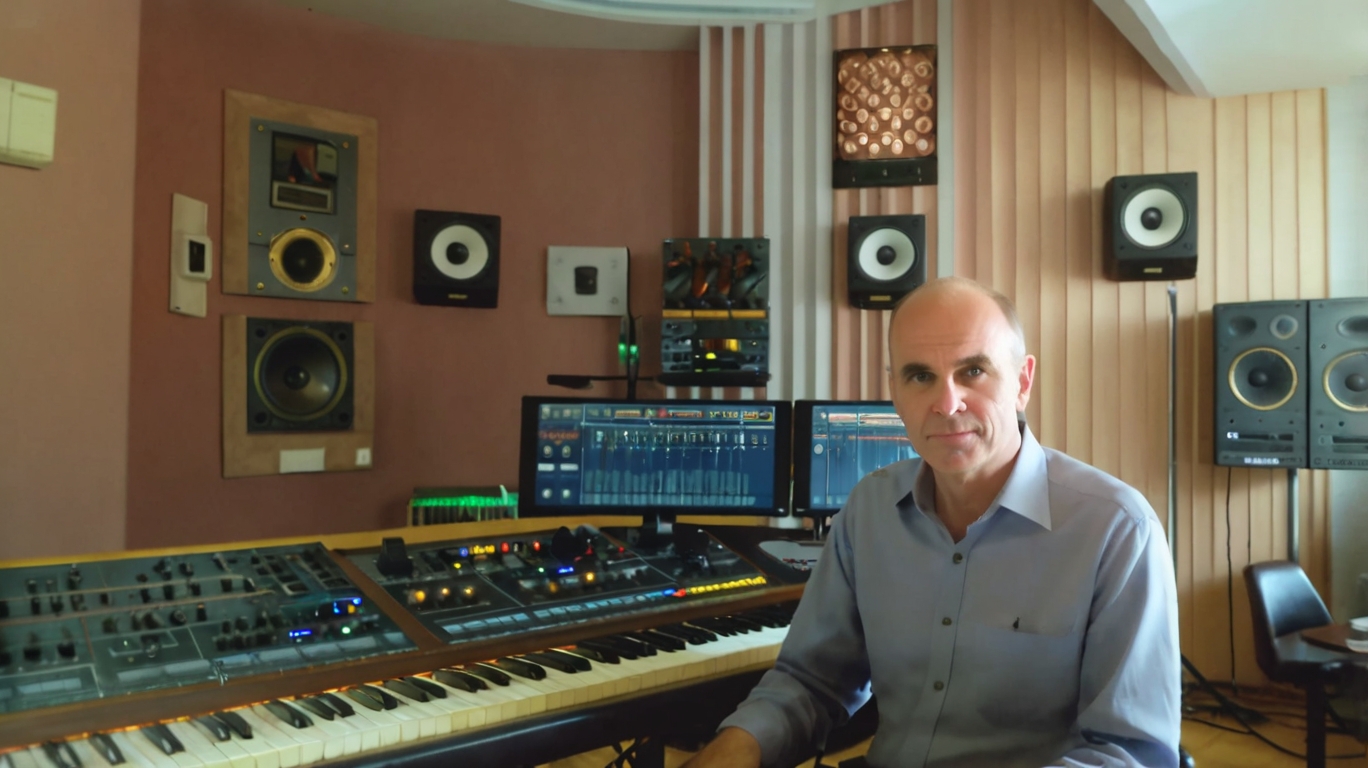
Ubuntu Studio is an excellent choice for anyone looking for a comprehensive and free platform for creative work. It offers a wide range of powerful tools specifically tailored to the needs of music producers, graphic designers, videographers, and photographers.
What makes Ubuntu Studio so special?
- Pre-selected Software: Instead of spending hours searching for suitable software, Ubuntu Studio offers a carefully curated collection of professional, free, and open-source applications.
- Customizability: You can fully customize the environment to suit your needs. Whether you prefer a minimalist setup or want to use a variety of tools simultaneously, Ubuntu Studio provides the flexibility you need.
- Community: A large and active community is ready to support you with advice and assistance. You will find numerous tutorials, forums, and documentations to help you get started.
- Regular Updates: Ubuntu Studio is updated regularly to keep pace with the latest technologies and ensure security.
A Look at the Main Application Areas
Audio Production
- Ardour: A professional Digital Audio Workstation (DAW) for recording, editing, and mixing audio.
- Audacity: A versatile audio editor for recording, editing, and effects.
- Hydrogen: A drum machine for electronic music production.
Graphic Design
- GIMP: A powerful image editing program comparable to Photoshop.
- Inkscape: A vector graphics editor for creating logos, illustrations, and diagrams.
- Darktable: A raw image developer for photographers.
Video Editing
- Kdenlive: A non-linear video editor for professional results.
- OpenShot: A user-friendly video editor for beginners.
3D Modeling
- Blender: A versatile 3D creation tool for animation, rendering, and visual effects.
Why Ubuntu Studio Might Be Interesting for You
- Free of Charge: You save a lot of money since all applications are free.
- Open: The source code is publicly accessible, meaning you can customize and further develop the software.
- Stable: Ubuntu Studio is based on Ubuntu LTS, a long-term support version known for its stability.
- Future-proof: Since Ubuntu Studio is based on free technologies, you are not tied to a specific vendor.
Conclusion
Ubuntu Studio is an excellent choice for anyone looking for a flexible and powerful platform for their creative projects. Whether you produce music, design graphics, or edit videos – Ubuntu Studio provides you with all the tools you need.
What Are the Hardware Requirements for Ubuntu Studio?
The hardware requirements for Ubuntu Studio heavily depend on the tasks you want to accomplish. For simple tasks like image editing or music production with just a few tracks, moderate requirements are sufficient. However, if you want to create complex 3D animations or edit large video projects, you will need more powerful hardware.
Basic Requirements:
- Processor: A current-generation Intel Core i5 or AMD Ryzen 5 processor is recommended.
- RAM: At least 16 GB RAM, though 32 GB or more is better, especially for demanding tasks.
- Hard Drive: A fast SSD with sufficient storage space. For large projects, an additional hard drive for storing your files can be useful.
- Graphics Card: A dedicated graphics card is beneficial for 3D work or video editing. A mid-range NVIDIA GeForce GTX or AMD Radeon RX card is usually sufficient.
Additional Recommendations:
- Audio Interface: You will need an audio interface for recording audio.
- Monitors: Multiple monitors make work significantly easier, especially in video editing or graphic design.
- Input Devices: An ergonomic keyboard and mouse are essential for efficient work. A graphics tablet can be very useful for digital artists.
Why Are These Requirements So High?
- Multiple Applications Simultaneously: Ubuntu Studio allows you to use multiple applications at the same time. Each application requires a share of your system resources.
- Large Files: Audio, video, and image files can be very large. A fast hard drive and sufficient RAM significantly speed up editing.
- Complex Calculations: Effects, filters, and simulations in applications like Blender or Kdenlive require high processing power.
Where Can I Find Detailed Information?
You can find the official system requirements on the Ubuntu Studio website: https://ubuntustudio.org/download/
Ubuntu Studio is a powerful system, but it also requires correspondingly powerful hardware. The exact requirements depend on your individual needs. If you are unsure which hardware is right for you, feel free to reach out to the Ubuntu Studio community.